



PAMM (Percent Allocation Management Module) is a pooled investment system where investors’ funds are combined and traded by a master.
o
n
e
x
a
r

-

Regulation:
-

-
support@onexar.com

PAMM Account
Overview
OneXar PAMM Account

OneXar PAMM Account
Percent Allocation Management Module
How to Get Started
- Investors begin by depositing funds into their PAMM accounts
- From the PAMM Leaderboard, they choose a Fund Manager (PAMM Master).
- Once selected, the investor's funds are added to the master’s pooled equity, and the master begins managing trades.
PAMM Platform Overview
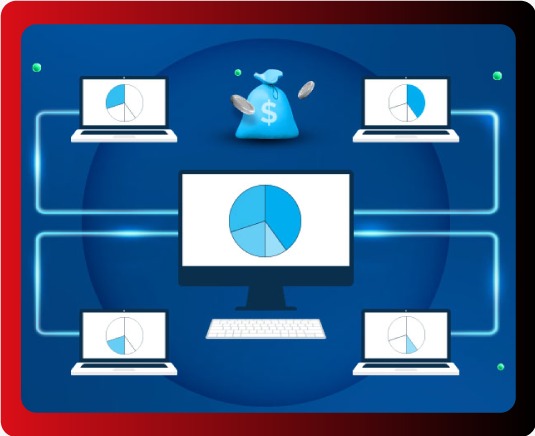
Overview
What is PAMM?
PAMM (Percent Allocation Management Module) is a pooled investment system where traders (PAMM Masters) manage funds provided by investors. The master doesn’t deposit personal capital — instead, the account balance reflects the total investments made by followers.
How does it work?
- When investors fund and follow a PAMM Master, their balances are pooled into the master’s account.
- The master trades using this combined equity
- Profits and losses are automatically distributed based on each investor's proportion of the total capital.
- Live trades are not shown on MT5, but investors can see trade details inside the portal under Trading Report.
- Fully Secure Backend CRMto Protect Your Data
Example:
If Investor A deposits $1,000 and Investor B deposits $12,000, the master’s account shows $13,000.
If the master makes a 10% return, profits will be:
Investor A: $100 (10% of $1,000)
Investor B: $1,200 (10% of $12,000)

For PAMM Masters (Signal Providers)
- No deposit required — your account starts at $0 and grows as investors follow you.
- You trade based on the total pooled funds.
- Individual trade control per follower (e.g., reverse trades or risk ratio) is not allowed.
- If a follower wants to unsubscribe, they must request it. You can approve or deny the request. If denied, they may contact Onexar Support.
- Invest in proven traders by selecting PAMM Masters from the leaderboard.
- You cannot place trades manually or see live trades in MT5
- All trades are handled by the master. Once closed, P&L is distributed automatically.
- To unsubscribe, submit a request. It's best to do so when there are no open trades to avoid equity imbalances.
Top Traders Leaderboard
Faq’s
-
1What is a PAMM Account?
-
2How does PAMM work?
Investors deposit into their PAMM accounts, choose the master, and their balances are added to the master’s pool. Profits/losses are distributed proportionally.
-
3Do PAMM Masters use their own funds?
No. A PAMM master account starts at $0 and grows as investors allocate funds.
-
4Can investors place manual trades?
No. Only the PAMM Master controls the trading. Investors cannot manually trade.
-
5Can I see live trades in MT5?
No. Live trades are not visible in MT5, but can be seen inside the Onexar Portal under “Trading Report”.
-
6How are profits distributed?
Profits and losses are allocated based on each investor’s percentage of total pooled capital.
-
7Can I unsubscribe from a PAMM Master anytime?
Yes. You can request to unsubscribe. The master may approve or deny. If denied, contact Onexar Support.
-
8What happens if I unsubscribe when trades are open?
It may create an equity imbalance. It’s recommended to unsubscribe when no trades are open.
-
9How do I choose a PAMM Master?
You can view the PAMM leaderboard sorted by performance, risk, and history.
-
10Do masters set different risk ratios per investor?
No. PAMM is strictly pooled — individual risk ratios or reverse trades are not allowed.